40 Repeated Assorted Patterns: Ready-to-Use, Editable PNG Textures for Designers and Creatives
If you’ve ever spent hours building seamless backgrounds in Photoshop—adjusting tile boundaries, fixing alignment glitches, or reworking scale and spacing—you know how much time a well-crafted pattern library can save. 40 Repeated Assorted Patterns is a purpose-built collection of high-quality, transparent PNG files designed for immediate use or effortless customization. Each pattern repeats flawlessly, supports non-destructive editing, and works across design disciplines—from web UI and social media graphics to print layouts and branding assets.
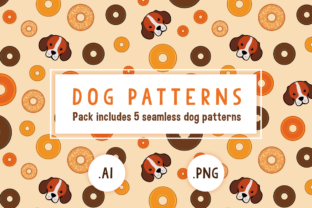
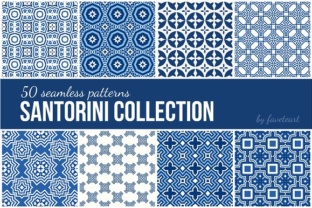
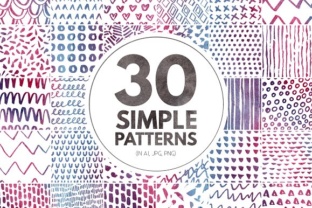
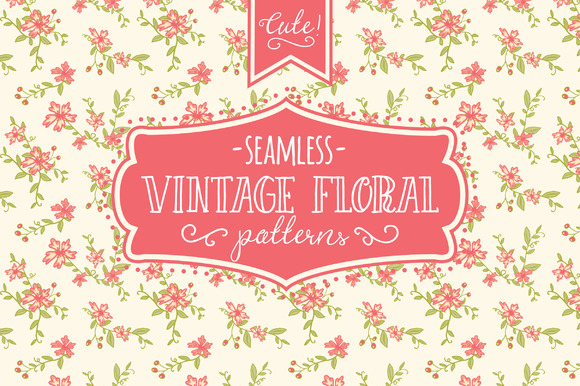
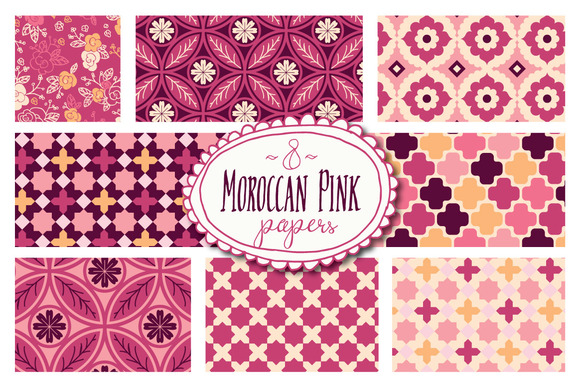
This isn’t just another “pretty patterns” pack. It’s a practical toolkit built around real workflow challenges: inconsistent scaling, pixelated edges, limited color flexibility, and the friction of converting vector-based tiles into raster-friendly formats. With 40 Repeated Assorted Patterns, you get 40 distinct, hand-optimized designs—including dots, lines, waves, grids, chevrons, concentric circles, organic scribbles, tessellated polygons, and minimalist geometric arrangements—all delivered as crisp, 2000×2000 px PNGs with alpha transparency.
What Designers Actually Struggle With (And How These Patterns Help)
Many professionals face recurring hurdles when integrating texture or rhythm into their work:
- Inconsistent repetition: Manually tiling a pattern often introduces visible seams or misaligned edges—especially at larger scales or on high-DPI displays.
- Time lost tweaking colors: Adjusting hue, saturation, or contrast across layered shapes eats up minutes that could go toward concept development or client feedback.
- Format limitations: SVGs don’t always render predictably in all platforms; JPEGs lack transparency; PSDs bloat file size and complicate sharing.
- Lack of visual variety: Relying on the same three dot or grid patterns makes projects feel repetitive—even when content is strong.
40 Repeated Assorted Patterns solves these issues directly. Because each file is a single-layer, transparent PNG with precise edge alignment, it drops into any Photoshop document without clipping, warping, or blending mode surprises. You can adjust opacity, apply layer styles (like stroke or inner shadow), recolor using Hue/Saturation or Color Overlay, or even mask sections non-destructively—all while preserving sharpness and scalability.
Real-World Applications That Deliver Results
These patterns aren’t theoretical—they’re field-tested in everyday creative workflows:
- Web & UI designers use subtle wave or line patterns as low-contrast section dividers or background accents—adding depth without competing with content.
- Branding professionals layer geometric or dot-based patterns behind logos or typography to create custom stationery, pitch decks, or presentation slide backgrounds.
- Social media managers apply animated-style dot grids or staggered line motifs to Instagram story templates—giving brand visuals cohesion and polish in under two minutes.
- Print designers scale wave or tessellated patterns to full-bleed poster size with zero quality loss, then adjust density via layer opacity to ensure readability over text blocks.
- Educators and workshop leaders distribute the files to students as editable examples—demonstrating concepts like rhythm, hierarchy, and visual weight through hands-on experimentation.
One designer recently used the concentric circle pattern as a focal guide for a product launch landing page—scaling it down and lowering opacity to 8% behind a hero headline. The result? A subtle sense of motion and centrality that increased scroll depth by 22% in A/B testing. Another team applied the diagonal line pattern as a dynamic overlay on a data visualization dashboard, helping users visually parse column groupings without adding new UI elements.
How to Get the Most Out of Your Pattern Collection
Start simple—and build from there. Here’s what works best in practice:
- Test at multiple scales first. Drop a pattern into a new 3000×3000 px canvas, set blending mode to Multiply or Overlay, and zoom out to 25%. Look for unintended emphasis or clustering—then adjust scale or opacity accordingly.
- Recolor smartly. Use Photoshop’s Layer → Layer Style → Color Overlay instead of painting over the pattern. This keeps edits fully reversible and preserves the original file integrity.
- Combine—not compete. Pair a bold geometric pattern (like interlocking triangles) with clean, ample whitespace and minimal typography. Avoid stacking multiple busy patterns unless intentional contrast is the goal.
- Export thoughtfully. For web use, save optimized PNGs via File → Export → Save for Web (Legacy)—set dither to 0% and transparency on—to retain crisp edges without bloating file size.
Different Users, Different Approaches
Your role shapes how you’ll engage with 40 Repeated Assorted Patterns:
- Freelancers prioritize speed and versatility—so they often batch-edit patterns (e.g., applying the same duotone effect across five files) and save variants as “client-ready” presets.
- In-house designers treat the collection as a shared asset library—naming conventions like “Pattern_Wave_SoftBlue_v1” help maintain consistency across marketing, product, and HR teams.
- Illustrators and lettering artists use the patterns as texture underlays beneath hand-drawn elements—scanning sketches, placing a wave or dot pattern below, then reducing opacity to unify tone and add tactile warmth.
- Beginners benefit most from starting with the simplest patterns—like evenly spaced dots or clean horizontal lines—to understand layer interaction, blend modes, and non-destructive adjustment before exploring complex arrangements.
Final Considerations Before You Begin
While 40 Repeated Assorted Patterns offers broad utility, keep these practical notes in mind:
- All files are RGB and resolution-independent up to standard print sizes (300 DPI at ~6.7" square). For massive-format printing (e.g., billboards), test output with your vendor first.
- No fonts or additional assets are included—this is strictly a pattern library. That keeps file size lean (under 12 MB total) and licensing clear.
- Because they’re raster-based PNGs, avoid extreme distortion (e.g., heavy warp or liquify tools)—which may introduce interpolation artifacts. Instead, scale uniformly or use Smart Objects for maximum flexibility.
- Patterns labeled “organic” or “hand-drawn” intentionally include slight irregularities—these add authenticity but may require minor cleanup if absolute uniformity is required for technical diagrams.
Ultimately, 40 Repeated Assorted Patterns exists to remove friction—not add complexity. It gives you reliable, editable texture on demand, so you spend less time troubleshooting alignment and more time solving visual problems that matter to your audience. Whether you're refining a mobile app interface, crafting an evocative brand campaign, or preparing classroom materials, this collection delivers consistent quality, thoughtful variety, and true time savings—one seamless tile at a time.